ZFS Support
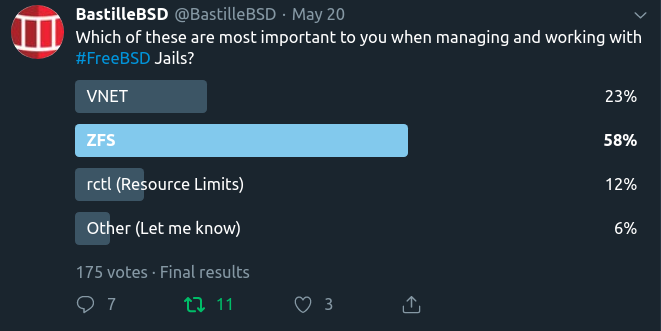
Bastille 0.4 added initial support for ZFS. bastille bootstrap and bastille create will generate ZFS volumes based on settings found in the bastille.conf. This section outlines how to enable and configure Bastille for ZFS.
Two values are required for Bastille to use ZFS. The default values in the bastille.conf are empty. Populate these two to enable ZFS.
## ZFS options
bastille_zfs_enable=""                                  ## default: ""
bastille_zfs_zpool=""                                   ## default: ""
bastille_zfs_prefix="bastille"                          ## default: "${bastille_zfs_zpool}/bastille"
bastille_zfs_options="-o compress=lz4 -o atime=off"     ## default: "-o compress=lz4 -o atime=off"
Example
ishmael ~ # sysrc -f /usr/local/etc/bastille/bastille.conf bastille_zfs_enable=YES
ishmael ~ # sysrc -f /usr/local/etc/bastille/bastille.conf bastille_zfs_zpool=ZPOOL_NAME
Replace ZPOOL_NAME with the zpool you want Bastille to use. Tip: zpool list and zpool status will help.
If you get ‘no pools available’ you are likely not using ZFS and can safely ignore these settings.
By default, bastille will use ZPOOL_NAME/bastille as its working zfs dataset. If you want it to use a specific dataset
on your pool, set bastille_zfs_prefix to the dataset you want bastille to use. DO NOT include the pool name.
Example
ishmael ~ # sysrc -f /usr/local/etc/bastille/bastille.conf bastille_zfs_prefix=apps/bastille
The above example will set ZPOOL_NAME/apps/bastille as the working zfs dataset for bastille.
Bastille will mount the datasets it creates at bastille_prefix which defaults to /usr/local/bastille
If this is not desirable, you can change it at the top of the config file.